

Catch job overruns before they start
Connect cards, expenses, AP, and budgets around every job. Code costs, spot budget risk, and complete retainage and compliance checks before payment.
Trusted by 5,500+ general contractors, specialty subcontractors, and developers














2.7x more transactions coded accurately in the field.
Show crews only the relevant project, phase, and cost code options, so finance has less cleanup later.
70%+ of receipts
matched within 24 hours.
matched within 24 hours.
Give field teams fast ways to submit receipts by text or mobile, then match them to the right transaction and job.
2.4x faster invoice processing than legacy AP software.
Track retainage and required document checks,
saving 15+ hours/month of manual work.
saving 15+ hours/month of manual work.
Keep every job cost connected, from the swipe to the books

Connect Ramp to Sage 100 Contractor, Sage 300 CRE, Sage Intacct Construction, Viewpoint Vista, Viewpoint Spectrum, CMiC, and more.


Stop getting wrecked by unmanaged spend.
Auto-enforce spend rules on every swipe
Set card controls by job, vendor, cost code, or role. Block unauthorized vendors and enforce limits before non-compliant spend happens.
Explore corporate card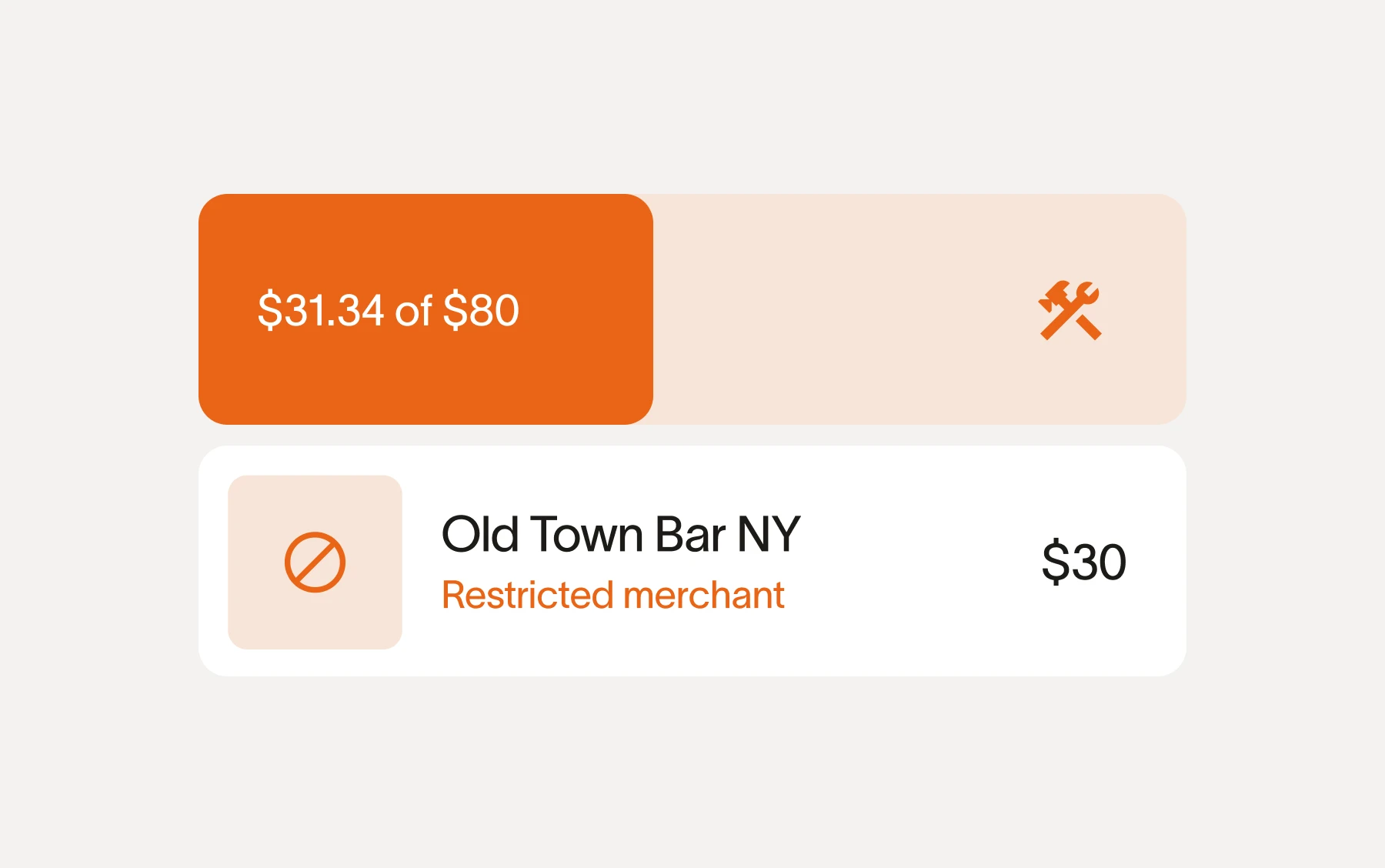
Text a receipt, tag the job, done in seconds
Field teams text a receipt and Ramp matches it to the right transaction, project, and cost code. No app download or expense report required.
Explore expense management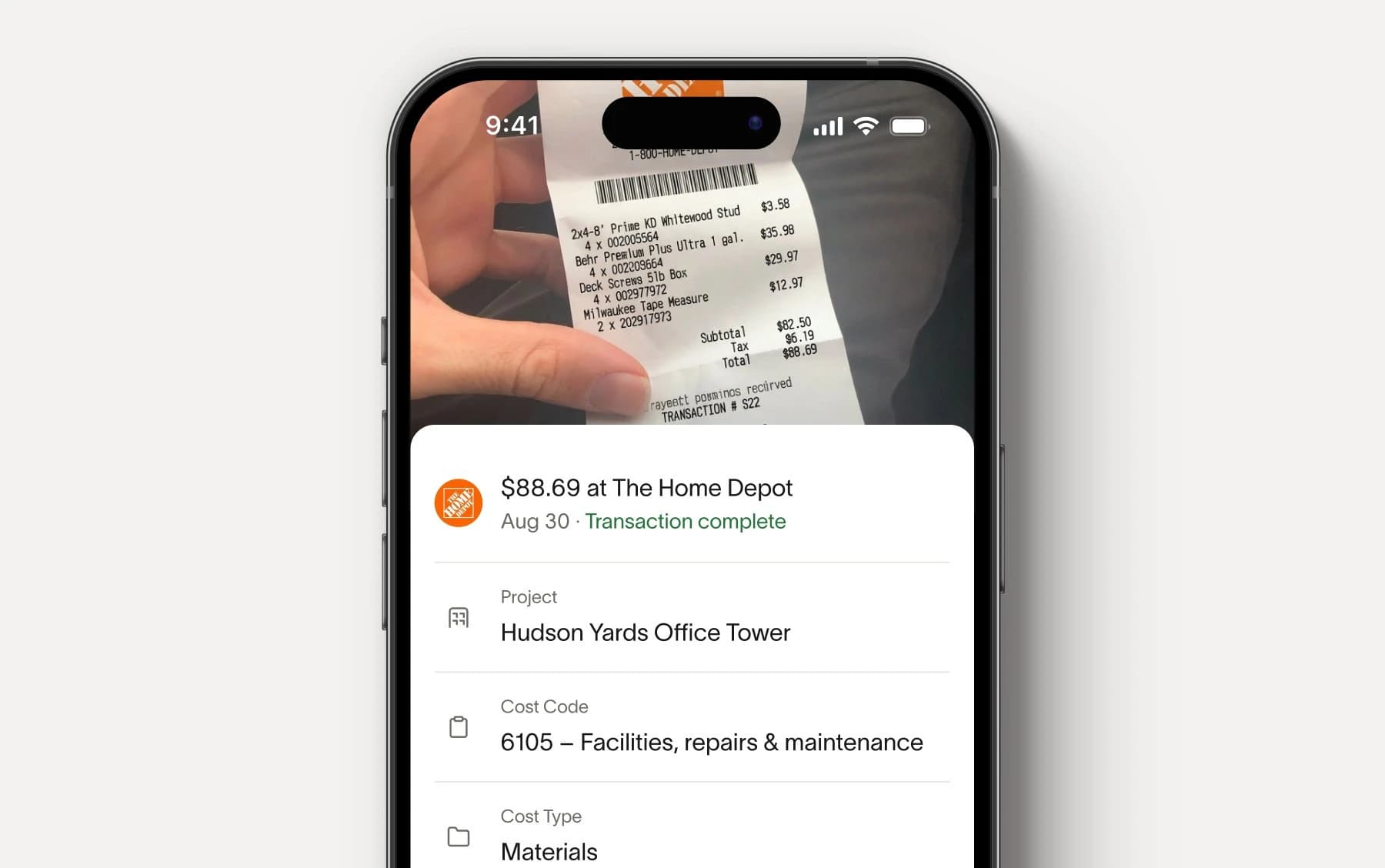







Take control of every project dollar.
Process AIA invoices with automated controls
Code every line item to the right job, route to the responsible PM, and track retainage from purchase orders. Hold payment until required lien waivers and COIs are on file.
Explore accounts payable
Know where every job stands in real time
See actuals, committed costs, and remaining budget by job, with live Ramp spend and purchase orders layered onto budgets from your ERP.
Explore budgets
Spend less time reconstructing job costs.Spend more time protecting margin.
The reminders, the automatic coding, the controls, it's all been so helpful especially with our guys in the field. We just capture everything in real time. That cuts AP's expense management process down from 40 to 10 hours per month.
Chris Moberger
Controller, Construction One
Having everything centralized and reducing the amount of time money is locked out in transition from place to place is huge. All told, Ramp has saved Roof Squad upwards of 50 hours a week across expense management, AP, and treasury.
Alejandro Calderon
CFO, Roof Squad

Everyone who uses the procurement system loves the drag-and-drop functionality. It's the easiest thing in the world, and it saves everyone time. Even the CEO, who is a critic of everything, loves it.
James Hardy
CFO, SAM Construction Group

With Ramp, we've saved $500K in the last year and cut hours of manual work each week. It's completely changed how we manage spending across projects.
John Davis
CFO, Prism Electric

The time savings alone are a reason for the change, but there are so many other perks: added security, ease of adding a user, additional controls, improved accuracy - the list just goes on. I simply can't recommend Ramp enough!
Heidi Wood
Admin VP/Corp Sec, Chutes International
FAQ
Ramp is built for people who don't sit at a desk. Supers and foremen submit receipts by text, select a job from a filtered list, and they're done in seconds. No app downloads required for SMS capture.
Admins set rules by job, vendor, cost code, or cardholder role, and Ramp enforces them on every swipe. Cards can be restricted to approved vendors or specific project budgets. If a transaction falls out of policy, the card shuts off automatically until it's resolved.
Every transaction, including card swipes, reimbursements, and vendor bills, can be tagged to a specific job, cost code, and phase. Ramp uses dimensional filtering to show field users only the codes relevant to their project, so spend is coded correctly at the point of purchase and syncs cleanly to your ERP.
Ramp extracts PO numbers, unit costs, and payment terms from every invoice automatically. Duplicates and overbilling are flagged before payment goes out. You can route approvals by project or dollar amount and schedule payments to protect cash flow.
Yes, Ramp connects with 30+ ERPs, including Acumatica, Netsuite, QBO, and more. We are continuing to build out construction-native ERP integrations to ensure project cost reports stay accurate and are seamlessly synced without manual hours of reconciliation.
Ramp's corporate card provides automated expense management tools that streamline the process of tracking and categorizing expenses. This will help your construction business gain better visibility into your spend, simplify your expense reporting, and help you make informed financial decisions.
Yes, Ramp offers cashback on purchases made on your business's Ramp card.
A traditional credit card will let you carry a balance month over month and will charge you interest. Ramp cards are a charge card, which means you can't carry a balance and you don't have to pay any interest or fees. Ramp cards also come with advanced expense management software and time-saving features that are unavailable on traditional credit cards.
Ramp provides an easy-to-use online dashboard where you can track and manage all expenses made by your employees on their cards—in real time. You can view transaction details, set spending limits, and freeze cards with out-of-policy transactions to effectively manage expenses and ensure compliance.
Yes, with Ramp cards you'll be able to set custom spend limits across your business or for a specific employee. These limits are completely customizable, can reset daily, monthly, yearly, or be a one-off, and are automatically enforced on every swipe.
Time is money. Save both.