Ramparrow_forwardConstruction
Prevent cost overruns with card, expense, and AP in one platform
Crews capture receipts and code every purchase to the right job in seconds from the field. Finance gets real-time visibility, proactive spend controls, and 3x faster close.

Trusted by 4,000+ general contractors, specialty subcontractors, and developers






access_time
Tie cards to job site.
Set card controls by job, vendor, cost code, or role, and enforce them automatically on every swipe, at every site.
credit_card
Eliminate lengthy expense reports.
Instantly capture receipts via text or mobile, tag job codes, and eliminate paperwork from the field.
check_circle
Process AP 2.4x faster.
Flag duplicates, match POs, and auto-code every invoice to the right job and cost code while protecting cash flow.
See and control every dollar, from the job site to the books.
Auto-enforce spend rules on every swipe.
Each card is tied to a project, cost code, or subcontractor. Unauthorized vendors are blocked and cards lock based on your rules for non-compliant spend or missing items.
Explore corporate card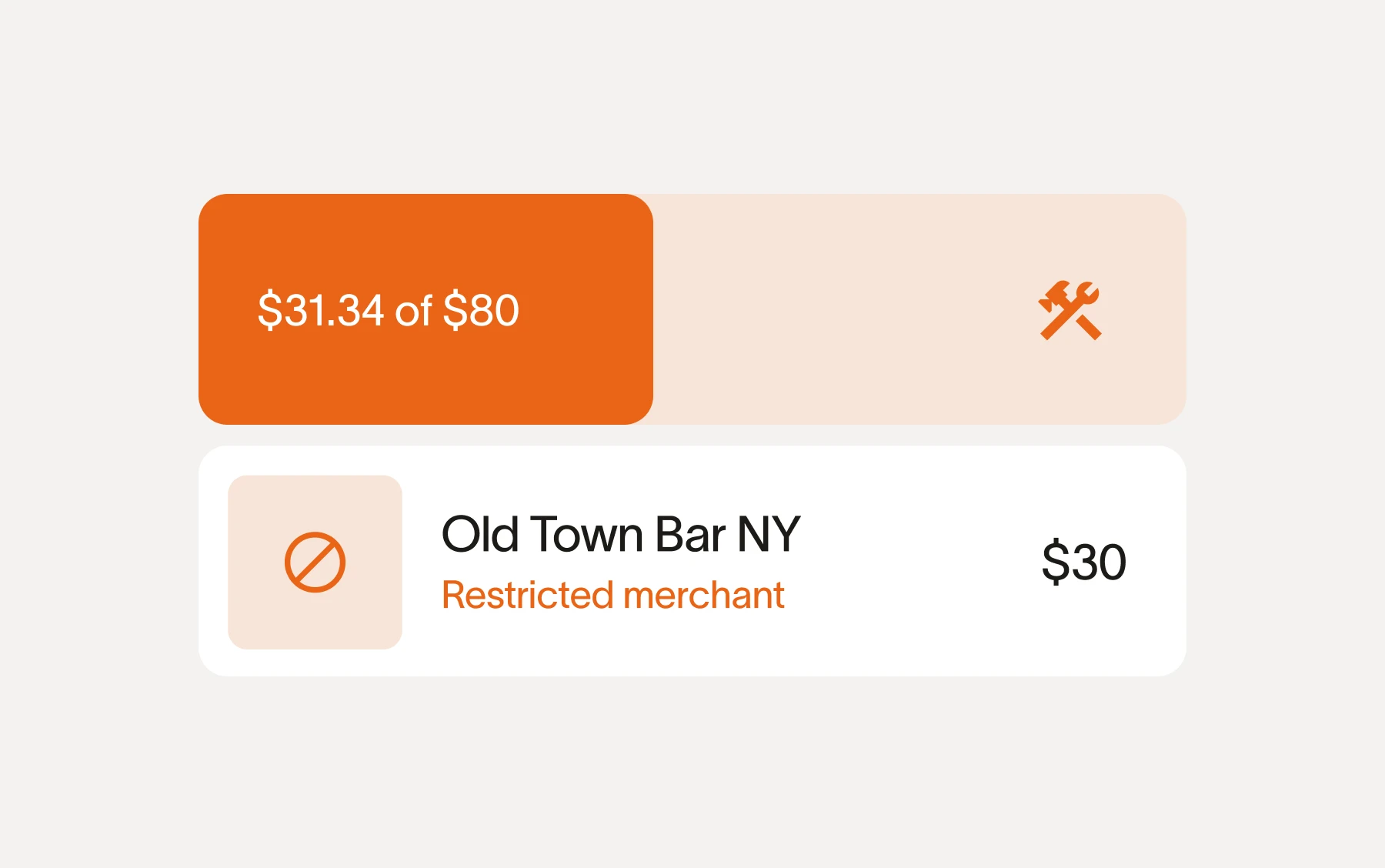
Text a receipt, tag the job, done in seconds.
Field teams text a receipt and Ramp matches it to the right transaction, job, and cost code. No app download required, and managers see expenses come in real time.
Explore expense management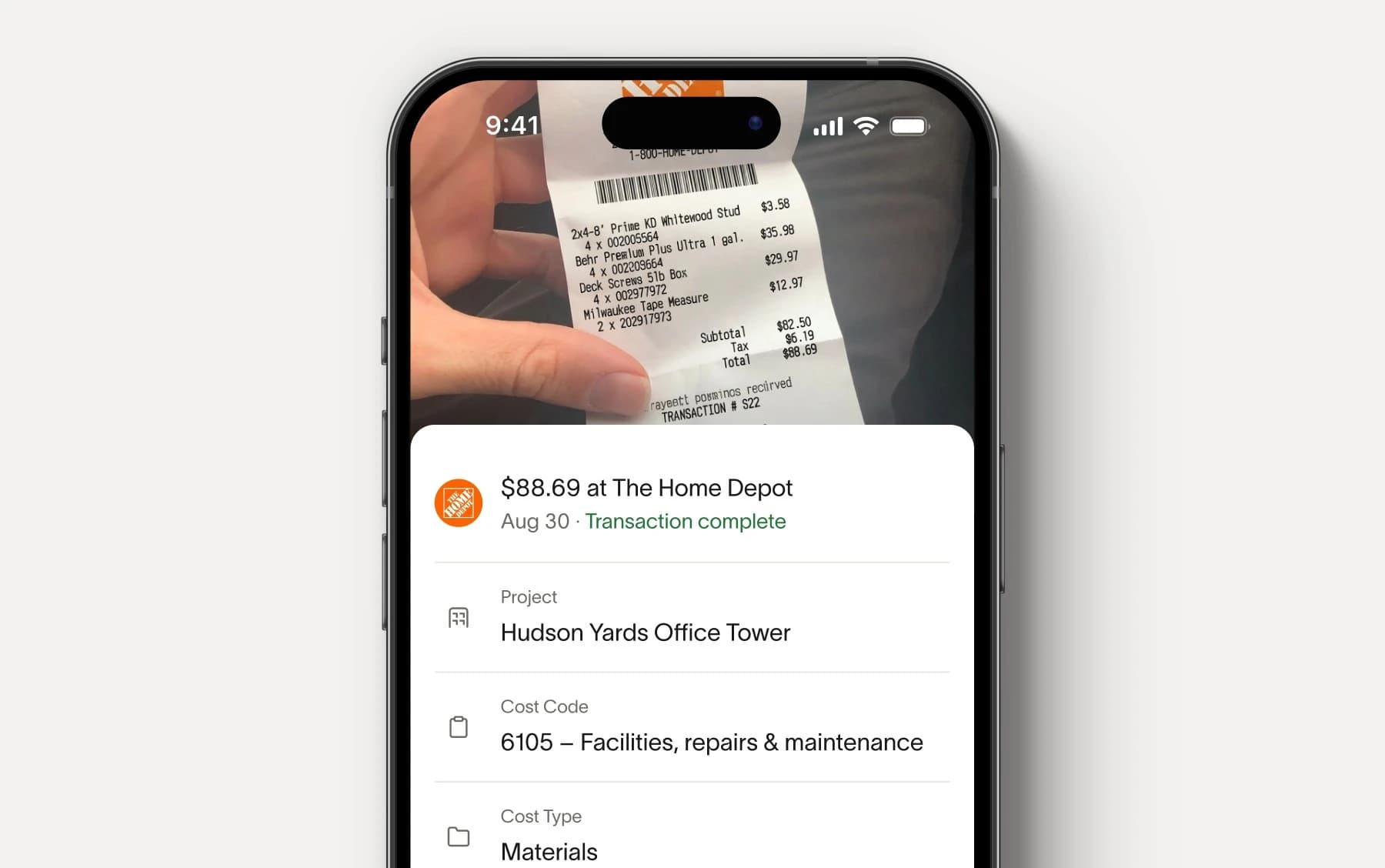
Catch overbills before they clear.
Ramp extracts PO numbers, payment terms, and unit costs from invoices and flags duplicates before payment. Payments can be scheduled to protect cash flow.
Explore accounts payable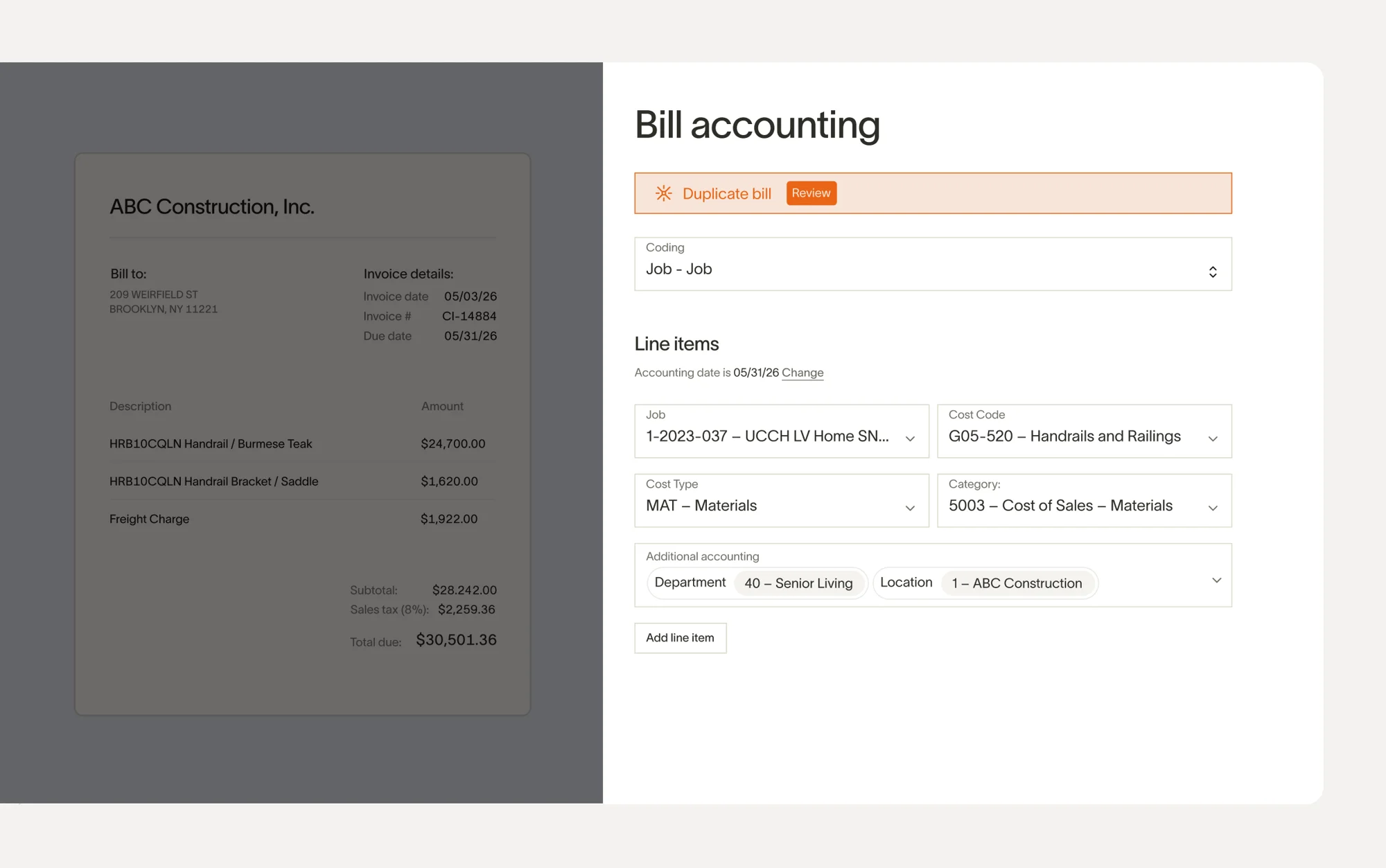
Track budgets vs. actuals in real time.
See exactly how spend rolls up against set budgets. Get alerts at 75%, 90%, and 100% before overruns hit your margin.
Explore budgets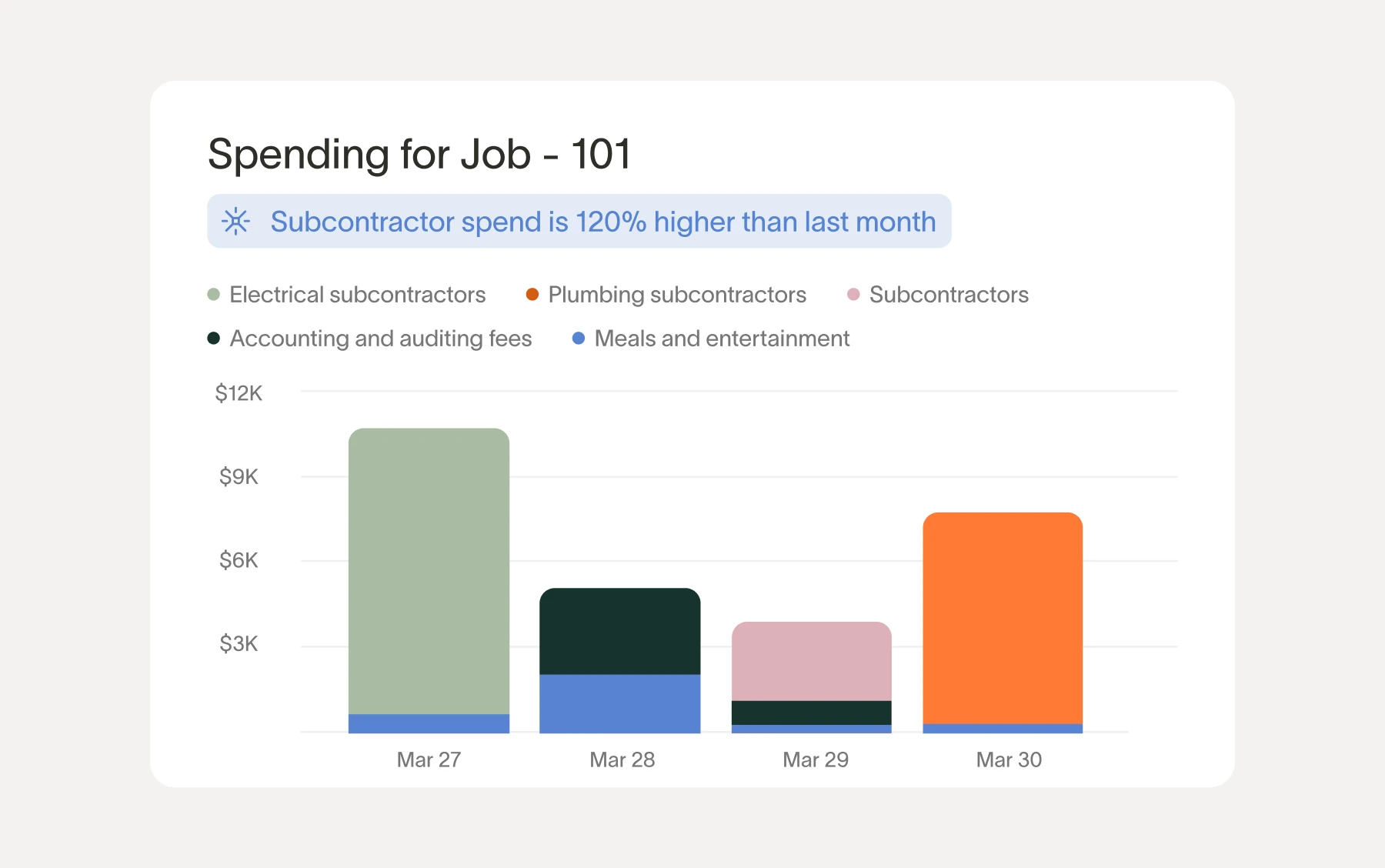
Close your books 3x faster.
Ramp supports 30+ ERPs to automate spend classification and job-cost mapping, saving hours of reconciliation and improving project accuracy.
The reminders, the automatic coding, the controls, it's all been so helpful especially with our guys in the field. We just capture everything in real time. That cuts AP's expense management process down from 40 to 10 hours per month.
Chris Moberger
Controller, Construction One
Having everything centralized and reducing the amount of time money is locked out in transition from place to place is huge. All told, Ramp has saved Roof Squad upwards of 50 hours a week across expense management, AP, and treasury.
Alejandro Calderon
CFO, Roof Squad

Everyone who uses the procurement system loves the drag-and-drop functionality. It's the easiest thing in the world, and it saves everyone time. Even the CEO, who is a critic of everything, loves it.
James Hardy
CFO, SAM Construction Group

With Ramp, we've saved $500K in the last year and cut hours of manual work each week. It's completely changed how we manage spending across projects.
John Davis
CFO, Prism Electric

The time savings alone are a reason for the change, but there are so many other perks: added security, ease of adding a user, additional controls, improved accuracy - the list just goes on. I simply can't recommend Ramp enough!
Heidi Wood
Admin VP/Corp Sec, Chutes International
FAQ
Ramp is built for people who don't sit at a desk. Supers and foremen submit receipts by text, select a job from a filtered list, and they're done in seconds. No app downloads required for SMS capture.
Admins set rules by job, vendor, cost code, or cardholder role, and Ramp enforces them on every swipe. Cards can be restricted to approved vendors or specific project budgets. If a transaction falls out of policy, the card shuts off automatically until it's resolved.
Every transaction, including card swipes, reimbursements, and vendor bills, can be tagged to a specific job, cost code, and phase. Ramp uses dimensional filtering to show field users only the codes relevant to their project, so spend is coded correctly at the point of purchase and syncs cleanly to your ERP.
Ramp extracts PO numbers, unit costs, and payment terms from every invoice automatically. Duplicates and overbilling are flagged before payment goes out. You can route approvals by project or dollar amount and schedule payments to protect cash flow.
Yes, Ramp connects with 30+ ERPs, including Acumatica, Netsuite, QBO, and more. We are continuing to build out construction-native ERP integrations to ensure project cost reports stay accurate and are seamlessly synced without manual hours of reconciliation.
Ramp's corporate card provides automated expense management tools that streamline the process of tracking and categorizing expenses. This will help your construction business gain better visibility into your spend, simplify your expense reporting, and help you make informed financial decisions.
Yes, Ramp offers cashback on purchases made on your business's Ramp card.
A traditional credit card will let you carry a balance month over month and will charge you interest. Ramp cards are a charge card, which means you can't carry a balance and you don't have to pay any interest or fees. Ramp cards also come with advanced expense management software and time-saving features that are unavailable on traditional credit cards.
Ramp provides an easy-to-use online dashboard where you can track and manage all expenses made by your employees on their cards—in real time. You can view transaction details, set spending limits, and freeze cards with out-of-policy transactions to effectively manage expenses and ensure compliance.
Yes, with Ramp cards you'll be able to set custom spend limits across your business or for a specific employee. These limits are completely customizable, can reset daily, monthly, yearly, or be a one-off, and are automatically enforced on every swipe.